
Screenberry 3
Removing boundaries
Screenberry enables media designers and AV engineers to create multimedia projects with unprecedented scale, flexibility, and reliability.

Large-scale
Play extreme resolution video & high fidelity audio, map on complex-shaped screens, control and automate even the most challenging setups with ease.

Flexible
Create multimedia installations of any complexity and configuration. Customize your projects and interface with a variety of pre-built modules connected through visual programming.

Reliable
Since 2007, Screenberry media servers have proven their rock-solid stability in thousands of events and installations for the most demanding clients around the globe.
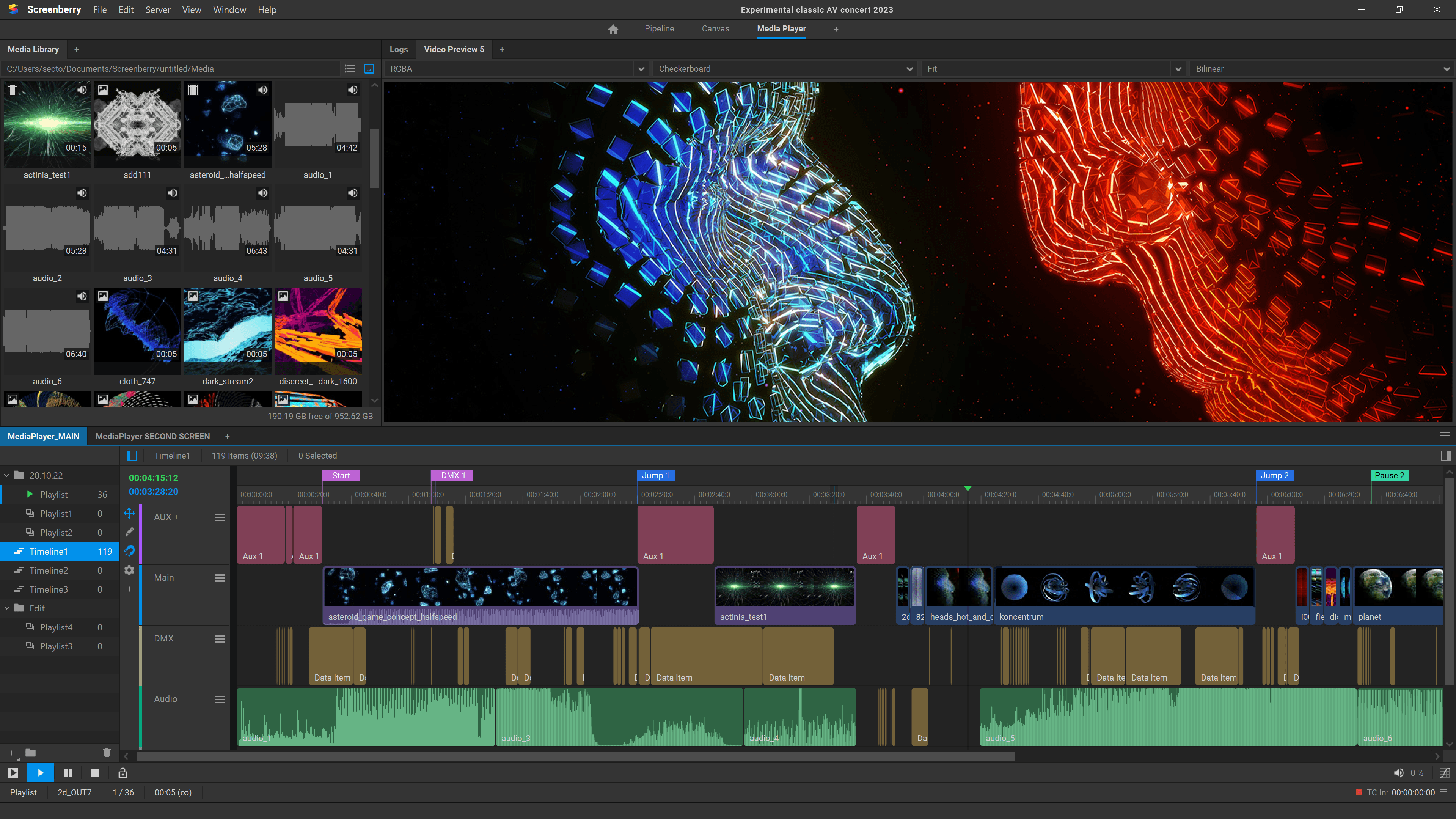
Timelines for show sequencing
Explore all Screenberry featuresSreenberry 3
Let’s go out of the box!
Advanced architecture
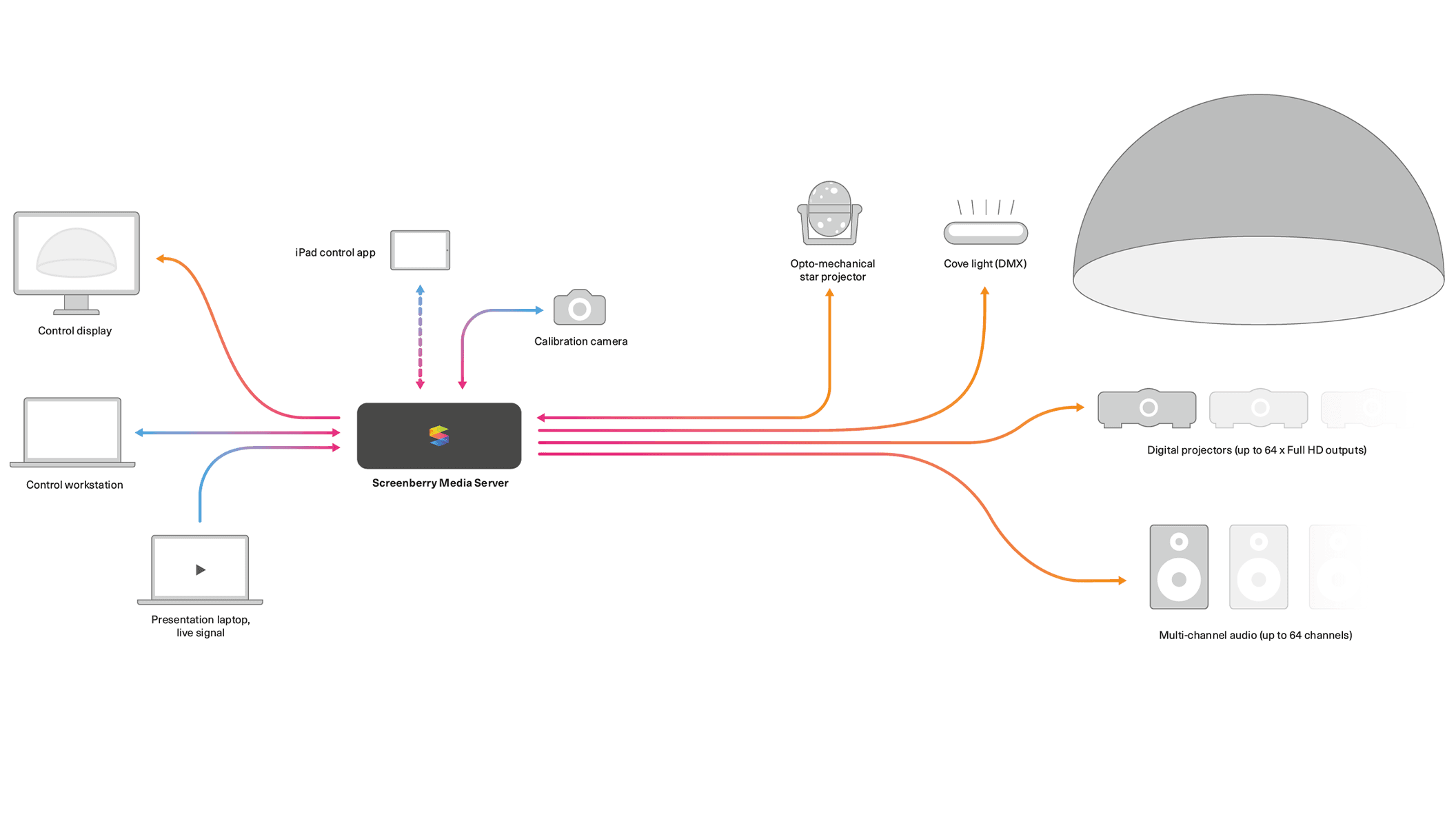
Read moreScreenberry runs on various platforms including Windows, Linux and Mac OS. The playback server is separated from the production machine. The server can be controlled from any computer in the local network using free show production & control software.
Efficient playback engine
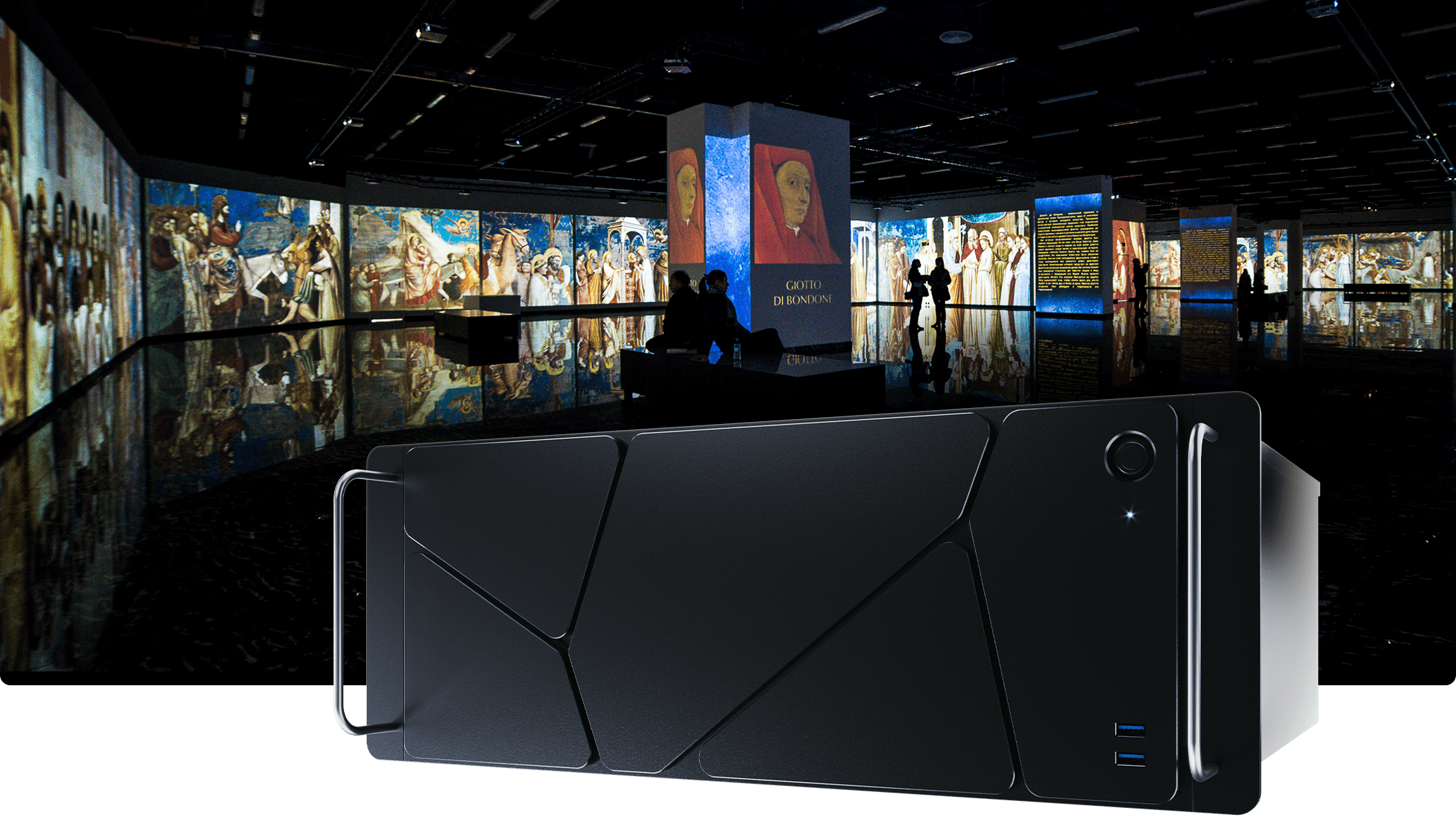
Read moreScreenberrys playback engine efficiently handles video content in up to 16 x 4K resolution using a single server. It supports content encryption, GPU-accelerated codecs like HAP and Notch LC, HDR (10-bit / 12-bit), and uncompressed playback. It works with Stereoscopic and XR formats and enables the creation of output canvases of up to 32x32K.
Powerful audio engine
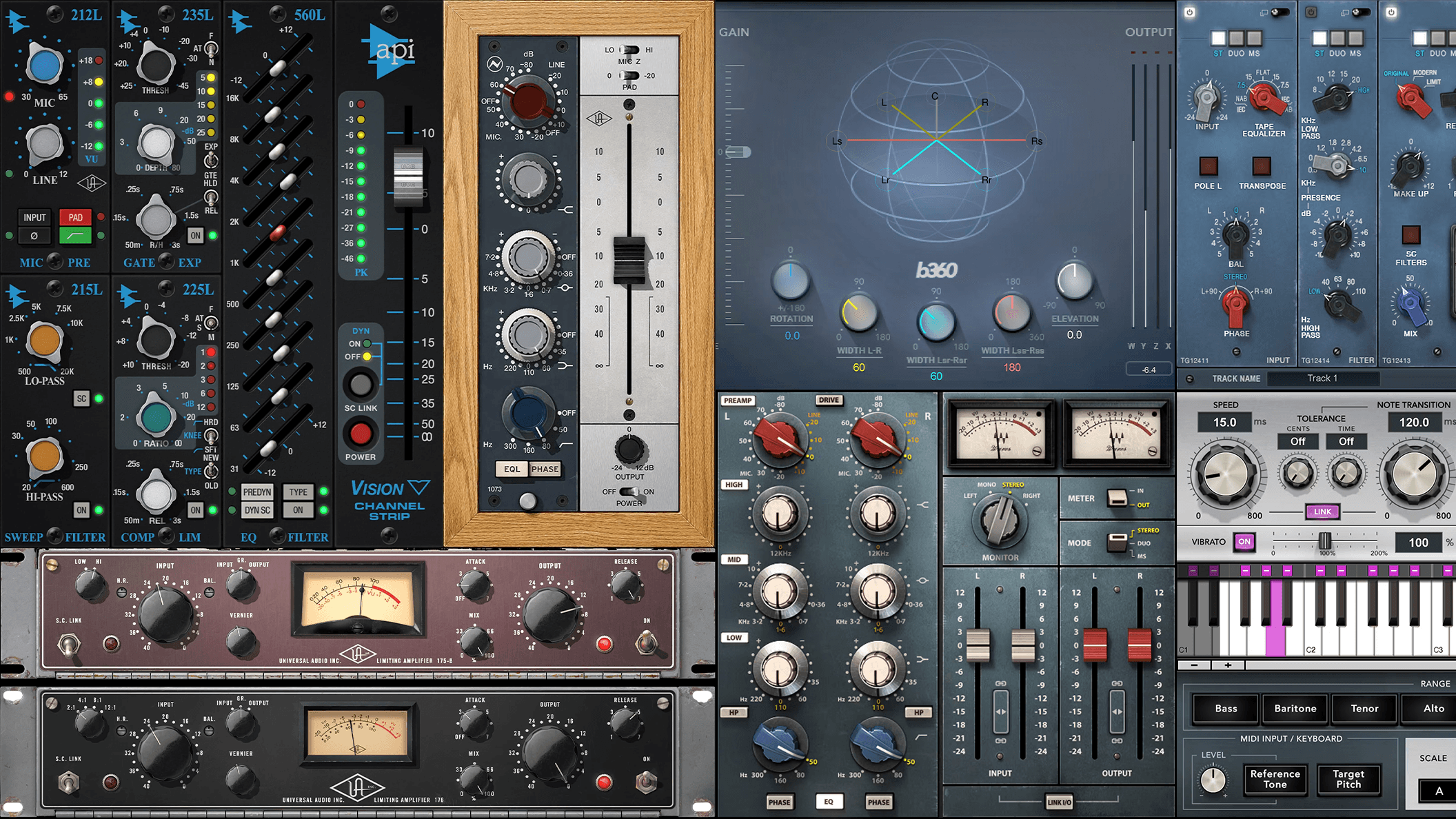
Read morePowerful audio engine allows playing up to 256 audio channels simultaneously. The audio pipeline can be further expanded by adding a variety of different VST plugins. Various audio setups are supported, including 2.1, 5.1, 7.1, 10.2 or custom multichannel audio.
Real-time graphics
Read moreScreenberry natively supports TouchDesigner and Notch playback as well as GLSL and ISF shaders. It also offers integration with Unity and Unreal 3D engines via Spout. All of this makes Screenberry an effective tool for live events and interactive installations.
Rich calibration toolset
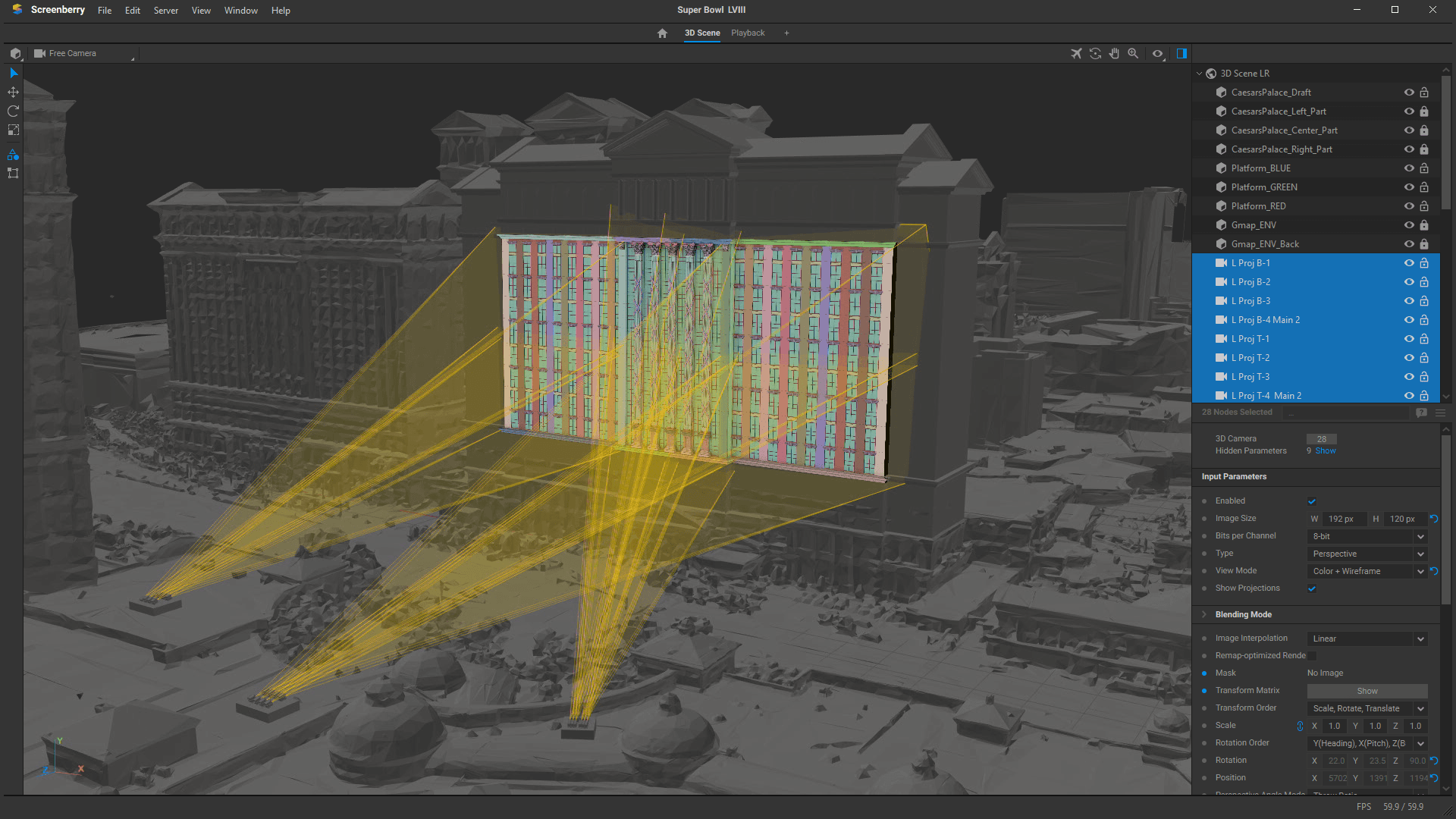
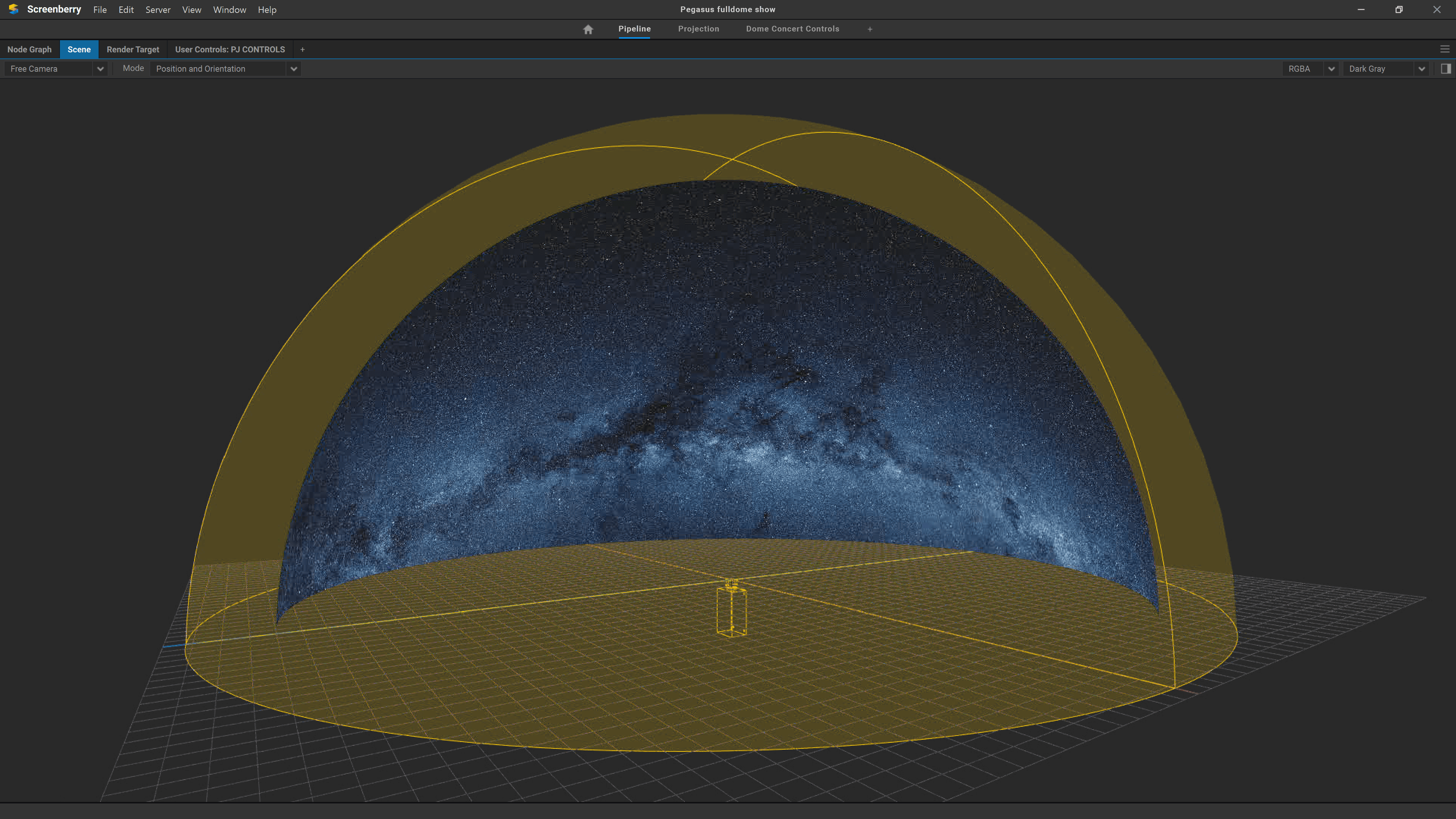
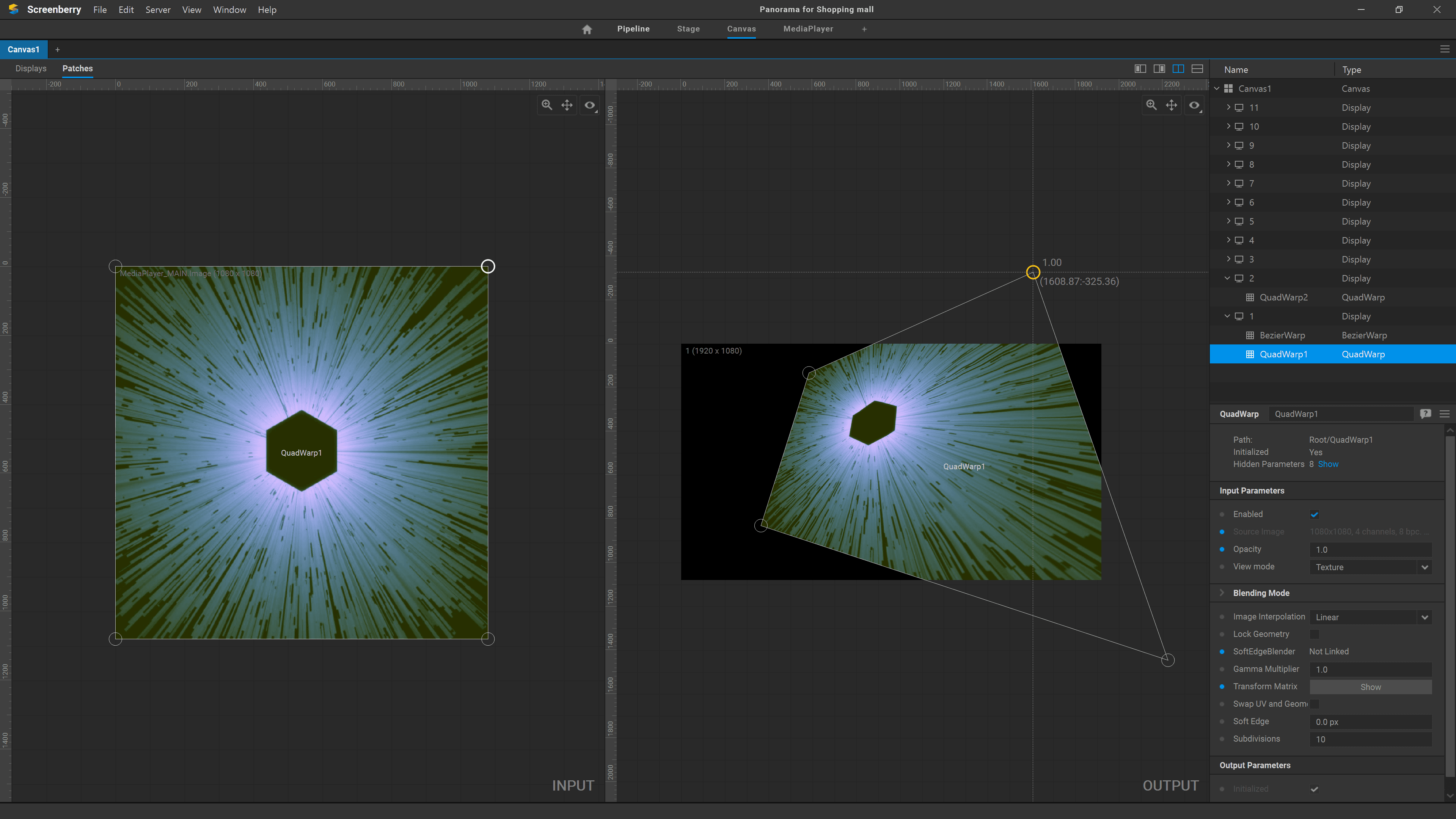
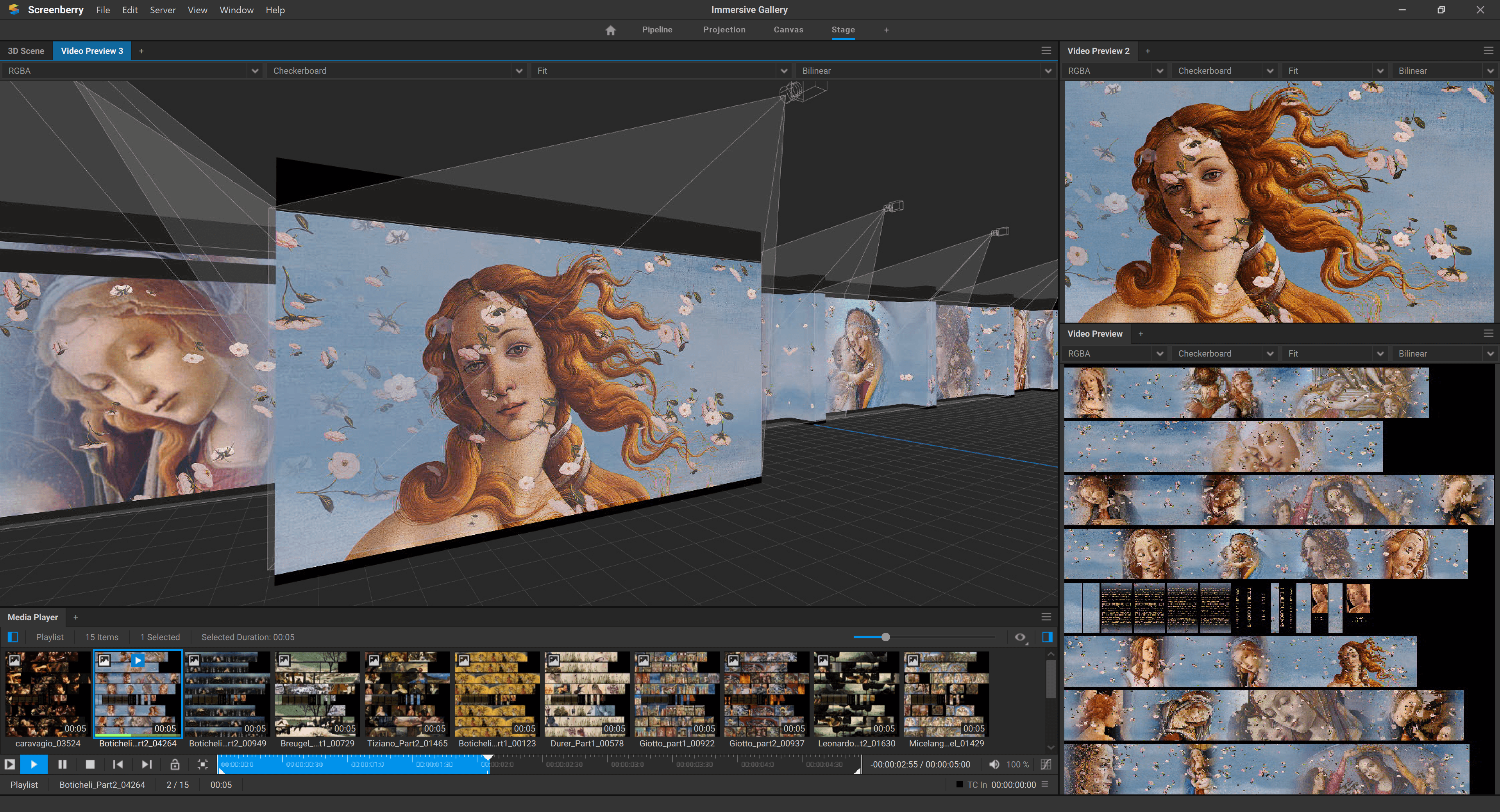
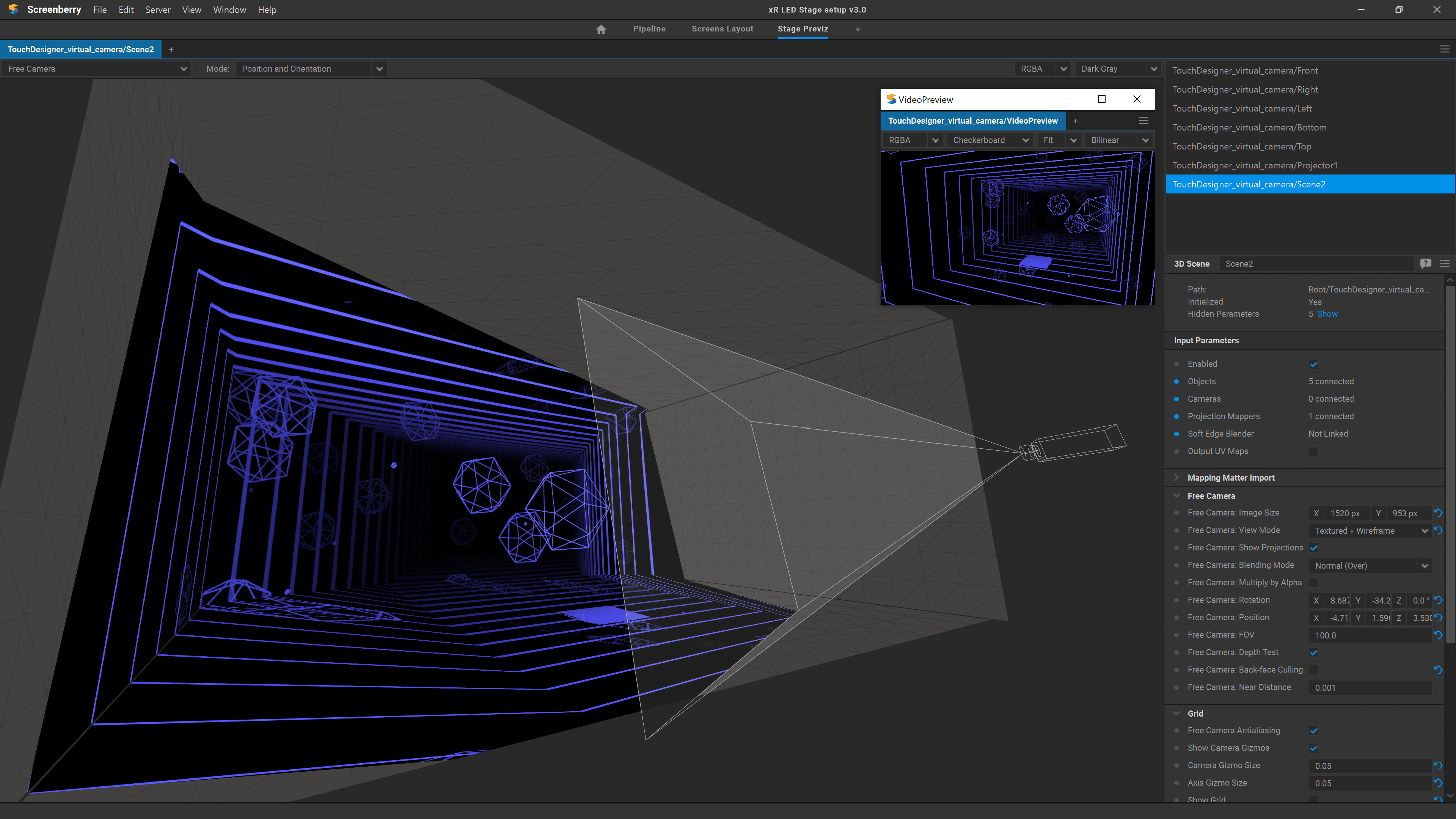
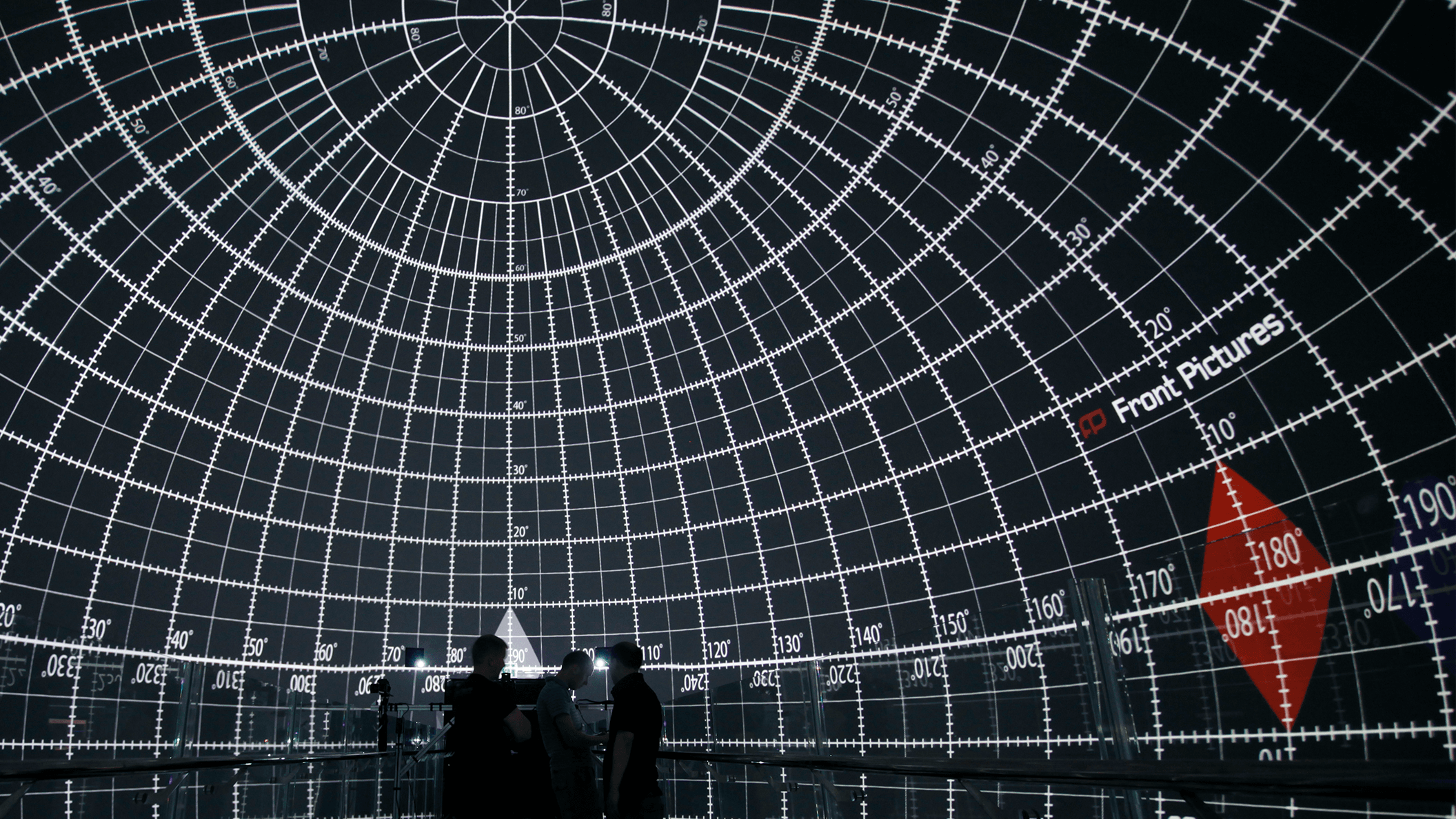
Read moreScreenberry can warp and blend projectors onto flat, curved, and dome-shaped screens, as well as 3D objects. It offers automatic camera-based calibration, manual image warping tools, and a 3D scene editor with automatic projector pose estimation for precise projection alignment on complex shapes.
Versatile show control
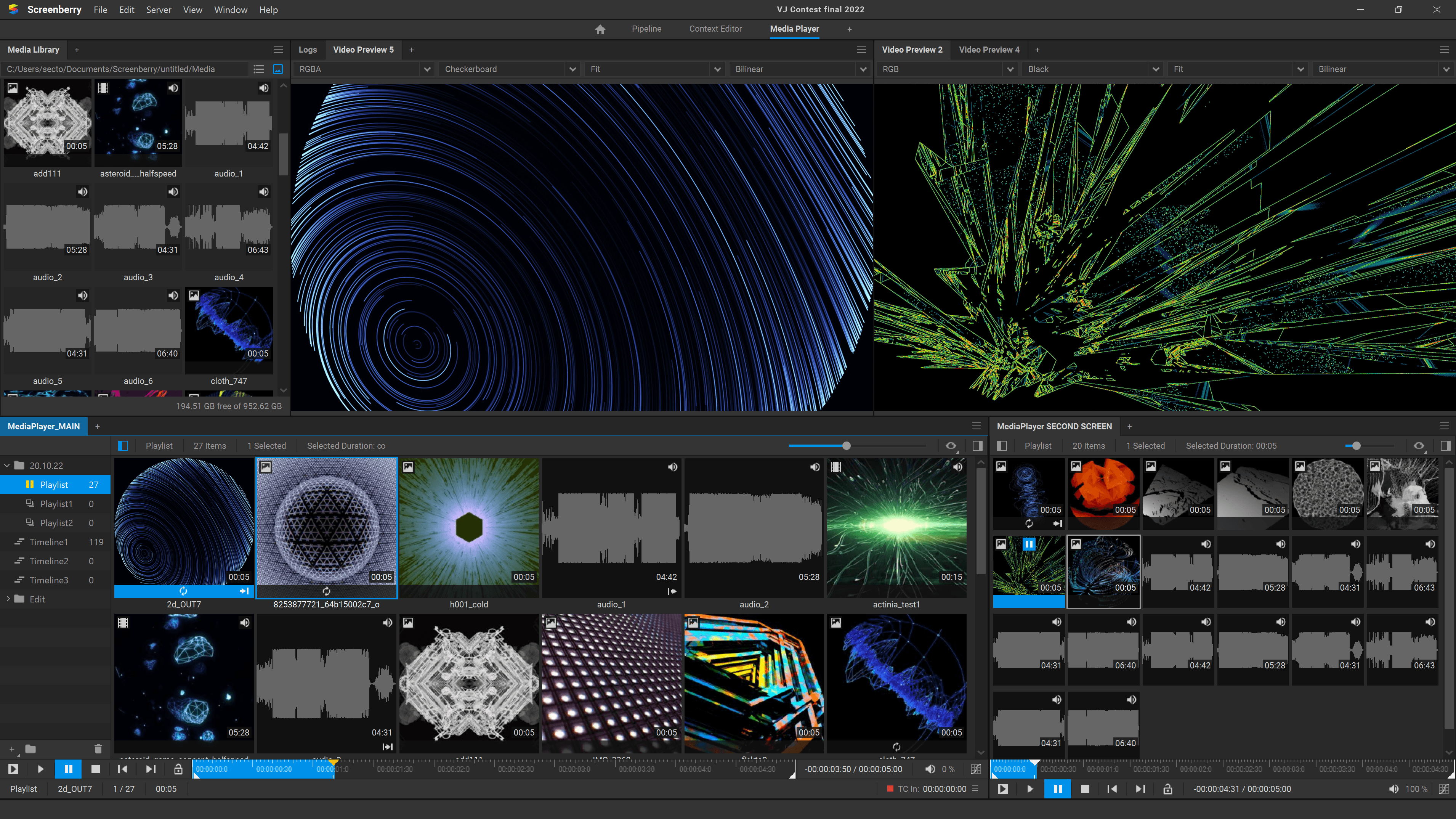
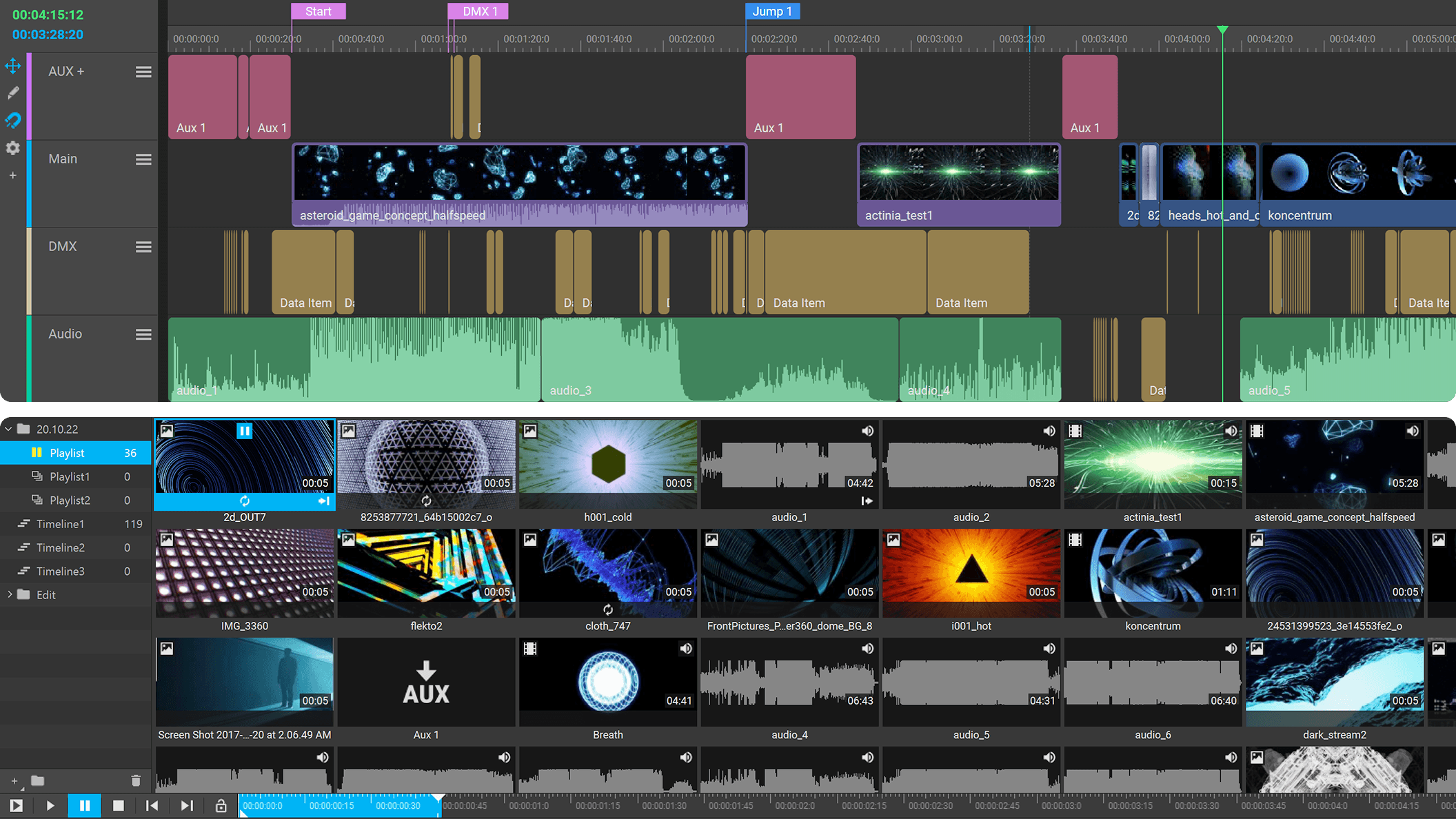
Read moreScreenberry offers a friendly and customizable user interface that enables various control scenarios. Operators can utilize multiple timelines, playlists, and control options to precisely synchronize and manage various media elements.
Advanced integration & automation
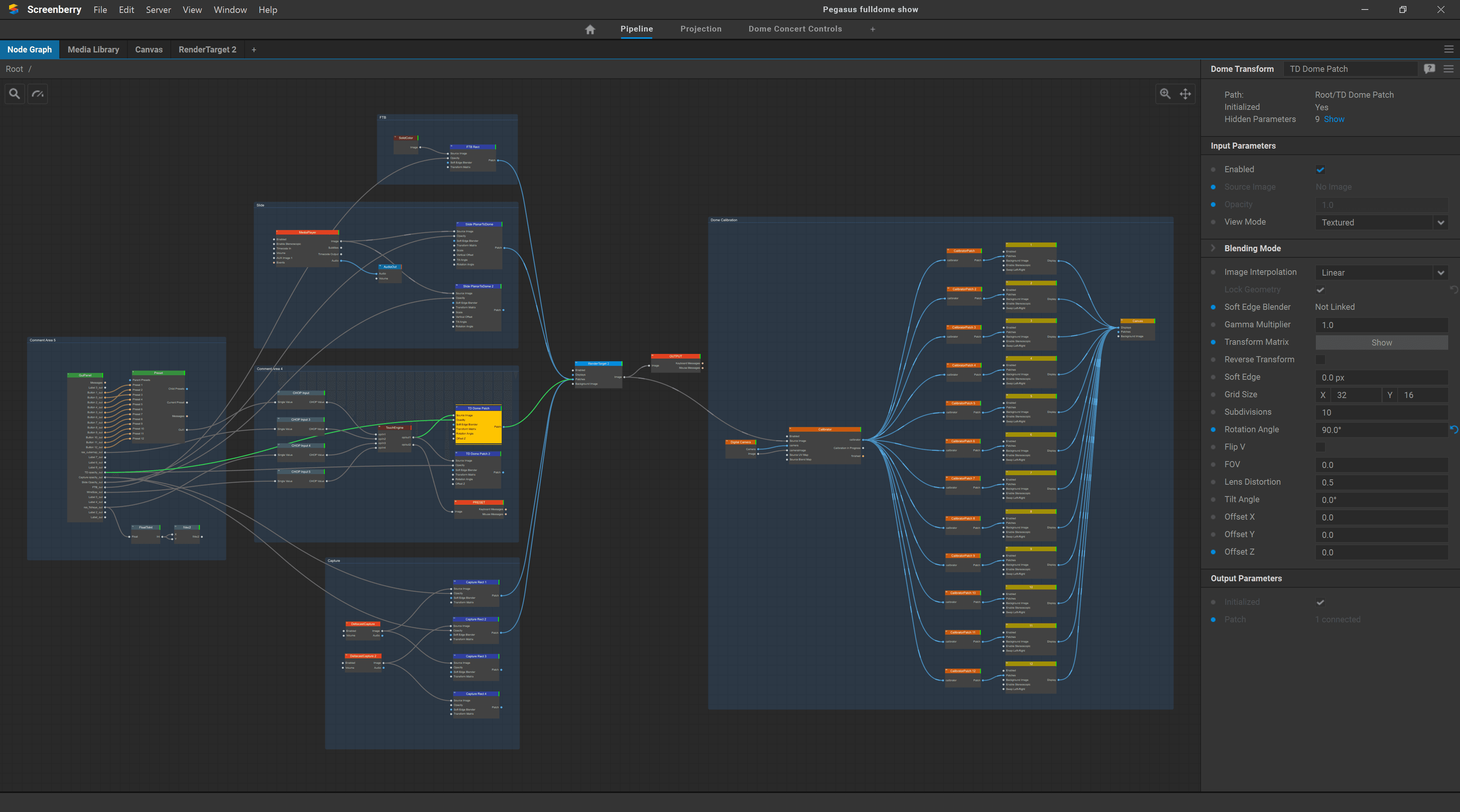
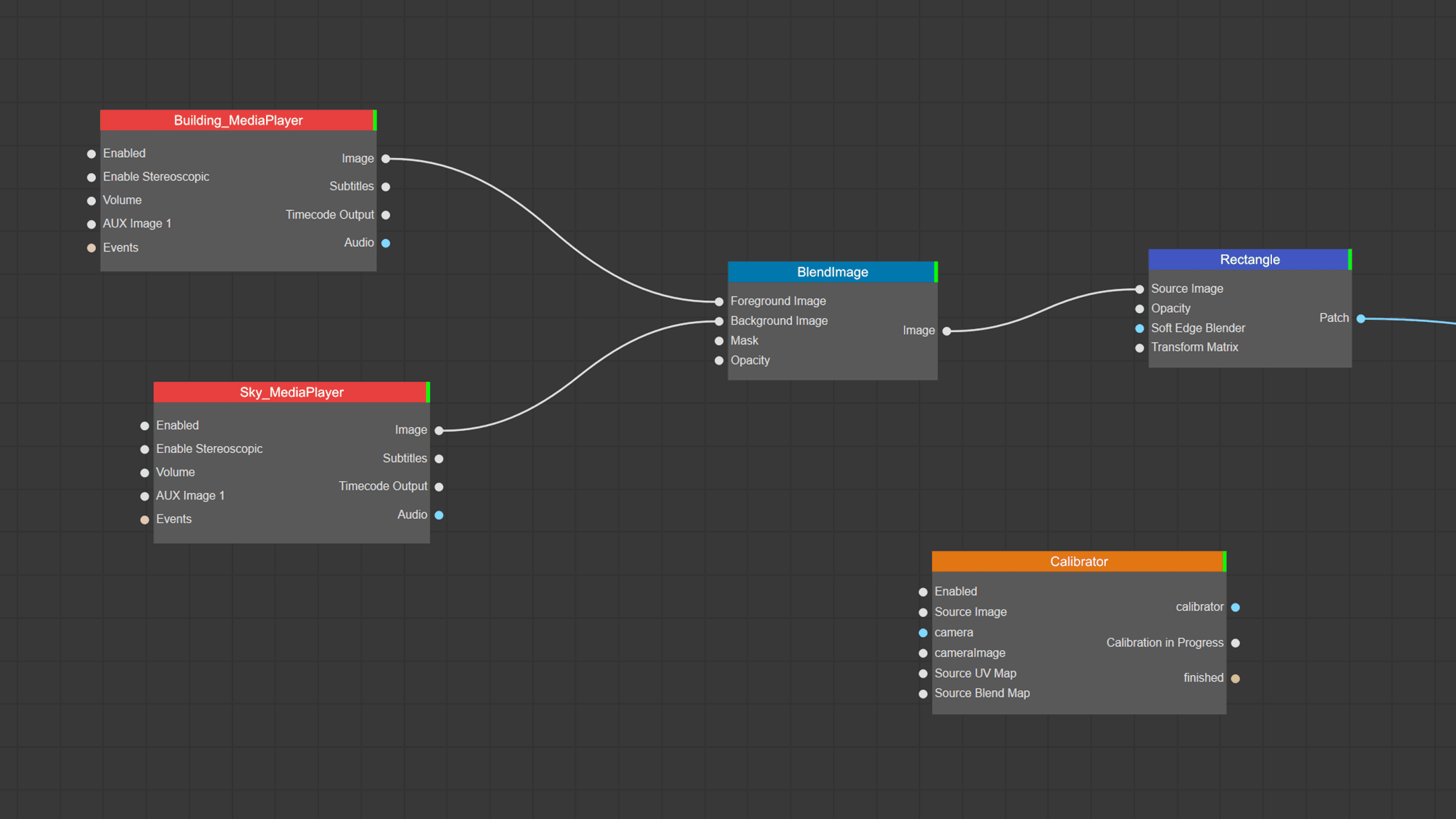
Read moreBring all multimedia components together with Screenberry’s advanced integration and automation capabilities. Using protocols like Timecodes, MIDI, DMX, and OCS, you can integrate various external devices. And with the help of node-graph editor and JavaScript, it’s possible to automate various aspects of the multimedia experience, including content playback, synchronization, transitions, effects, and interactive elements.
What’s new in Screenberry 3.4
Higher Playback Performance
Optimized NotchLC and EXR playback, a new memory management system, and GPU decoding of H264 and HEVC for smoother playback of native formats and high-bandwidth media.
Centralized GPU Management
A consolidated view of the system’s GPU topology, full remote control over the server’s outputs, and synchronization settings including Mosaic, Quadro Sync, and EDIDs. All directly from the Screenberry Panel*.
*Windows OS and NVIDIA Cards only
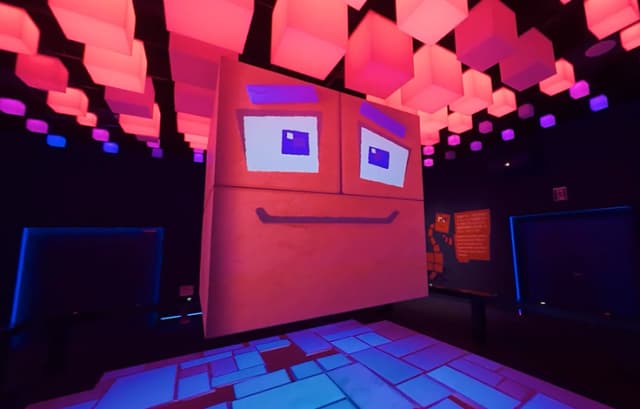
DMX Pixel Mapper
Pixel colors sampled and sent as DMX over Art-Net or sACN, driving media-driven lighting workflows such as image-based lighting (IBL).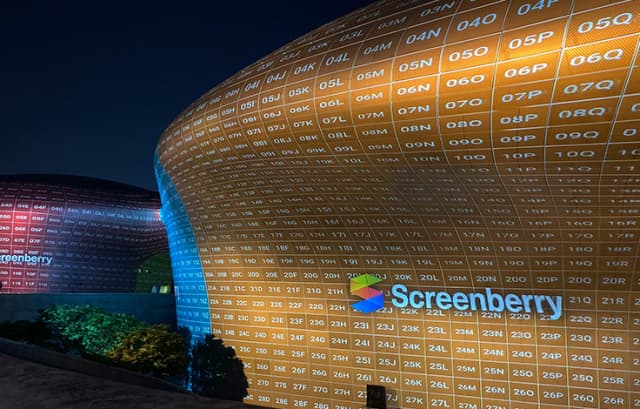
Improved Projection Calibration & Mapping
- Adaptive warp subdivision
- Faster and more precise RBF-based extrapolation
- Expanded export options (EXRs, DirectX meshes)
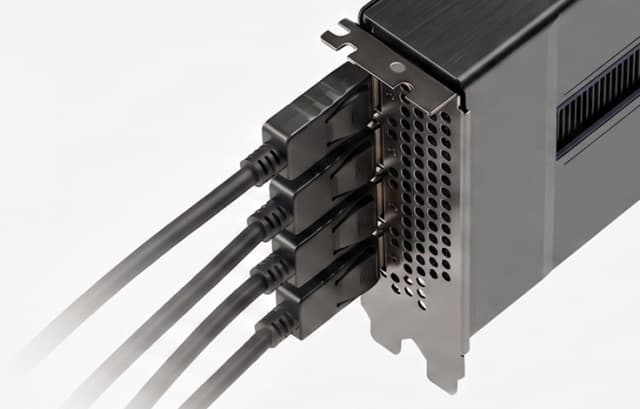
New Direct Display Output
Direct output to GPUs and connected displays for greater control over signal routing in multi-display setups.
Art-Net Timecode Support
Art-Net Timecode support extends synchronization options beyond traditional LTC and MTC.
JSON API
JSON-based API for fine-grained external control and seamless integration with automation systems, custom software, and third-party tools.
Expanded Non-Commercial Version
Non-commercial version for evaluation, learning, and non-paying projects, offering two 2K+ non-watermarked outputs and automatic online license renewal for uninterrupted use.
Get started with Screenberry today
Subscription
Flexibility.Best for everyday use, events, touring shows, and temporary installations
From
$99/month
Features
- Advanced features
- Commercial usage
- Up to 4x4K display resolution
- Up to 4x4K streaming resolution
- Projectors calibration maps export
- TouchEngine support
- Notch blocks support
- Camera and object tracking support
- Plug-ins support
- Advanced automation
- 1 Hours of PRO support
Licensing
- Unlimited watermarked outputs
- All latest updates
- Software license
- Billed monthly or annually
Expansion
- Extra display and streaming resolution
- Up to 16 projectors auto-calibration
Permanent
Scale.Best for fixed installations of any complexity
Contact UsFrom
$2900
Features
- Advanced features
- Commercial usage
- Up to 16x4K display resolution
- Up to 16x4K streaming resolution
- Projectors calibration maps export
- TouchEngine support
- Notch blocks support
- Camera and object tracking support
- Plug-ins support
- Advanced automation
- 3 Hours of PRO support
Licensing
- Unlimited watermarked outputs
- 1 Year of updates
- Software / Dongle license
- Billed once for lifetime license
Expansion
- Extra display and streaming resolution
- Up to 64 projectors auto-calibration
Lite
Barebone.Best for small fixed installations
$950
Contact UsFeatures
- Reduced features
- Commercial usage
- 1x4K display resolution
- 1x4K streaming resolution
- Camera and object tracking support
- Basic automation
Licensing
- Unlimited watermarked outputs
- 1 Year of updates
- Software / Dongle license
- Billed once for lifetime license
Upgradable
- to Permanent
All features, functionality, and other product specifications are subject to change without notice or obligation.
The information in this table applies to the Windows platform with NVIDIA GPUs. Some features may differ on other supported platforms, including Linux and macOS.
For detailed platform compatibility information, see: https://help.screenberry.com/getting-started/platform-compatibility
Non-Commercial
Subscription
Permanent
Lite
Compare key features
| Non-Commercial | Subscription | Permanent | Lite | |
|---|---|---|---|---|
| Intended Use | ||||
Use in Paying Projects | No | |||
Usage | Evaluation, learning, non-paying projects, pre-production | Any type of project | Any type of project | Any type of project |
| Features | ||||
All Basic Functionality | ||||
Number of Display Devices | Unlimited | Unlimited | Unlimited | Unlimited |
Video Output Resolution (No Watermarks) | Up to 2x 2K+ (4.9Mpx) | Up to 4x 4K+ (39.3Mpx)
(according to selected plan) | Up to 16x 4K+ (157Mpx)
(licensed in 4K pixel blocks) | 1x 4K+ (9.8Mpx) |
Video Input Resolution | Unlimited | Unlimited | Unlimited | Unlimited |
Unlimited Watermarked Outputs | ||||
Content Resolution | Unlimited | Unlimited | Unlimited | Unlimited |
Splash Screen on Startup | Yes | No | No | No |
Number of Media Players | Unlimited | Unlimited | Unlimited | 1.0 |
Number of Timelines | Unlimited | Unlimited | Unlimited | 1.0 |
Number of Timeline Layers | Unlimited | Unlimited | Unlimited | 3.0 |
Number of Playlists | Unlimited | Unlimited | Unlimited | 1.0 |
Number of Matrix Playlists | Unlimited | Unlimited | Unlimited | 1.0 |
DMX Pixel Mapping | Up to 16 Devices | Unlimited Devices | Unlimited Devices | Up to 64 Devices |
Uncompressed Playback | ||||
Image Sequence Playback | ||||
32-bit Video Processing | ||||
HDR 10/12/16-bit Playback & Output | ||||
OpenColorIO Support | — | |||
High Frame Rate Playback | ||||
Stereoscopic Support | — | |||
3D Environment | ||||
3D Projection Simulation | ||||
Capture Cards Support (Datapath / Blackmagic Design / Deltacast / Magewell) | ||||
Streaming Protocols (NDI / RTSP / RTMP / SRT) | ||||
Spout Support | — | |||
DMX / Art-Net / sACN | ||||
Network Protocols | Essential | |||
Timecode (LTC / MTC / Art-Net) | ||||
Blob Tracking | — | |||
Camera Tracking (MoSys / FreeD) | — | |||
Motion Tracking (BlackTrax) | — | |||
TouchEngine Support (TD license required) | Watermarks over
2x 2K+ (4.9Mpx) | — | ||
Notch Blocks Support (Notch license required) | Watermarks over
2x 2K+ (4.9Mpx) | — | ||
Unreal Engine Support | Coming soon! | Coming soon! | Coming soon! | — |
Shaders (GLSL / ISF) | — | |||
Scripting (JavaScript) | — | |||
JSON API | ||||
Screenberry Plug-in Support | — | — | ||
Screenberry Plug-in SDK | ||||
Multichannel Audio | ||||
Audio Routing | ||||
ASIO / WASAPI / ALSA / PulseAudio | ||||
Dante Audio Support | ||||
VST Plug-in Support | — | |||
Web Control Panel | ||||
Custom UI Panels | ||||
Web Page Rendering | — | |||
Multi-GPU Support | ||||
Hardware Frame Lock (NVIDIA Quadro Sync) | ||||
Multi-Server Sync (Clustering) | — | — | Coming soon! | — |
Encrypted Media Playback | — | — | — | |
| Automatic Projection Calibration | ||||
Camera-Based Auto-Calibration | Optional | Optional | — | |
Calibration as a Service Allowed | No | No | No | |
Auto-Calibration Licenses per Project | Equal to projectors | Equal to projectors | ||
Number of Calibrated Projectors | Unlimited | Up to 16
(according to selected plan) | Unlimited
(according to license) | — |
Geometry Alignment and Blending | — | |||
Brightness Uniformity | — | |||
Black Uniformity | — | |||
Gamma Compensation | — | |||
Multi-Camera Support | — | |||
| Manual Projection Calibration | ||||
Number of Calibrated Projectors | Unlimited | Unlimited | Unlimited | Unlimited |
Advanced Mapping Toolset | ||||
Edge Blending | ||||
3D Model-Based Calibration | ||||
Projector Pose Estimation | ||||
| Calibration Maps | ||||
SB Calibration Maps Import | ||||
SB Calibration Maps Export | — | According to selected plan | According to license | — |
| Licensing | ||||
License Type | Software | Software | Software / USB Dongle | Software / USB Dongle |
Transferable License (Computer-to-Computer) | ||||
Internet Connection | No internet connection is required, except to activate the license and once every 90 days to renew it automatically. | No internet connection is required, except for license activation and renewal: once a month for MONTHLY subscriptions or once a year for ANNUAL subscriptions. | No internet connection is required, except to activate or update the software. | No internet connection is required, except to activate or update the software. |
| Support | ||||
Forum Support | ||||
Included Support Hours (Email / Chat / Call) | No | No | 3.0 | No |
Additional Support Plans | No | Optional | Optional | Optional |
All features, functionality, and other product specifications are subject to change without notice or obligation.
The information in this table applies to the Windows platform with NVIDIA GPUs. Some features may differ on other supported platforms, including Linux and macOS.
For detailed platform compatibility information, see: https://help.screenberry.com/getting-started/platform-compatibility












Ask us about the details
We have 20 years of expertise to share and help you with even the most demanding requests
FAQ
Is it possible to run Screenberry software on my existing hardware?
What are the minimum hardware and operating system requirements to run Screenberry?
Is content protection (DRM) available when using the software key?
Which cameras can be used for auto-alignment?
We recommend using the Screenberry Calibration Kit to achieve the best results. You can also use Sony, Nikon, and Canon cameras. Please, refer to our User Manual for information on camera settings
https://help.screenberry.com/automatic-calibration/#CameraSettingsWhat is media server software?
Media server software (sometimes referred as video server software) is a specialized tool for managing and distributing content across complex multi-screen (or multi-projector) setups. It is designed to be used in various applications such as live events, presentations, concerts, and installations.
This software is used for overseeing playback, synchronizing and manipulating diverse media sources, including video, images, audio, text, interactive content, and more. Furthermore, it streamlines content management, allowing users to easily organize, store, and retrieve their media assets.
Media server software is particularly valuable when it comes to seamlessly integrating and synchronizing numerous multimedia elements such as LED screens, projectors, audio systems, lighting in real time. It allows users to manage various aspects of media playback, from timing and transitions to effects and interactions.
Overall, media server software simplifies the task of managing multimedia elements, enabling creators to craft engaging and dynamic experiences across a wide range of applications.
What should you know about projection mapping software?
Projection mapping software (also sometimes referred to as 3D projection mapping software) is a specialized tool that allows you to create captivating visual displays on various surfaces, such as buildings, stages, or objects. It’s used to project images, videos, and animations onto these surfaces in a way that aligns perfectly with their shape and contours. This creates the illusion of the visuals seamlessly blending with the physical structure.
One of the key functions of projection mapping software is 3D surface mapping. 3D projection mapping software takes into account the dimensions, angles, and specific features of the surface you want to project onto. By precisely calibrating the projected content, projection mapping software can transform ordinary objects into dynamic canvases, giving them a new and mesmerizing dimension.
Projection mapping is often used in artistic performances, advertising, events, and architectural installations to create stunning and immersive visual experiences that play with the perception of reality and transform ordinary spaces into extraordinary ones.
The best projection mapping software products incorporate features like a user-friendly interface, advanced 3D mapping tools for accurate surface projection, real-time editing, multi-projector support, diverse media compatibility, geometry correction, seamless blending, multilayer capabilities, interactive integration, synchronization with audio and lighting, effective content management, pre-visualization options, precise playback control, export and sharing functionalities, and reliable technical support to ensure successful and seamless projection mapping experiences.
Screenberry encompasses all of these features and many more, making it one of the best projection mapping software options on the market. Screenberry’s portfolio includes high-profile events like Super Bowl LVII projection mapping, Beverly Hills City Hall Christmas mapping, KLF Video Mapping Contest, and many others.
What is calibration software?
Calibration software is designed to modify outgoing content, ensuring that when it is projected, it fits perfectly onto non-standard screens. Known as video calibration software or projector calibration software, this tool is essential for producing accurate, high-quality visuals and ensuring that the final output looks as intended on the screens. This adaptation involves geometric warping and video content blending. The latter specifically refers to adjusting the intensity of the content at the intersection of adjacent projections to maintain a consistent brightness level across the screen.
Screenberry calibration software takes this a step further by equalizing the brightness of each projection from every single projector pixel, guaranteeing consistent content brightness in both black and white. This meticulous pixel-by-pixel processing in black is one of Screenberry’s unique strengths.
This is particularly important in areas where precision is paramount, such as the fields of fulldome, media galleries, live shows, media installations, 3D Mapping and planetariums.
Screenberry calibration software stands out for its precision and ease of use, enabling users to fine-tune their projection equipment and displays with pinpoint accuracy, which makes it one of the best video calibration software on the market.
Is Screenberry projection mapping software compatible with your operating system?
Screenberry media server software for projection mapping is recognized for its cross-platform compatibility. It can run on different operating systems including Windows, macOS, and Linux. This adaptability enables users to work on their preferred platform without facing compatibility issues. They can also select hardware that fits their budget and performance needs, regardless of the operating system.
Additionally, Screenberry’s cross-platform capability enables users to make the most of each platform’s unique benefits. Windows offers an intuitive interface and broad compatibility with different software and hardware. Open source Linux OS provides enhanced security, stability, and customization options. Meanwhile, the Mac platform, favored by creative professionals, offers optimized hardware for efficient multimedia processing and an array of creative tools. So, you can take these factors into account when choosing the best projection mapping software for Windows, Linux or Mac.
You can stick with your favorite operational system whether it is Windows, Linux, or Mac to run Screenberry projection mapping software and use the same projection mapping tools across different platforms.
Supported OS versions:Windows 10 or later
Linux Ubuntu 22.04 LTS
MacOS 13.1
How does Screenberry software empower show control capabilities?
Screenberry is renowned for its potent live show control software functionality. It offers a range of features that allow operators to manage multimedia content, synchronize various show elements, and make real-time adjustments during live performances, making it the ideal video show control software.
At the core of Screenberry’s software for show control are its advanced timelines. This feature is pivotal for orchestrating complex shows, providing visual representation of every sequence, and achieving precise synchronization of multimedia elements such as videos, images, audio, and effects.
Another distinguishing feature is its powerful playlists. Using a simple drag-and-drop method, operators can easily manage media files, streamline their order, and adjust settings as needed. This level of control and flexibility positions Screenberry among the best video server software choices available.
Screenberry’s software also offers matrix playlists, a blend of playlist flexibility and timeline compositing capabilities. It allows operators to effortlessly handle multiple layers and control the opacity and position of each layer and clip, opening up a whole new realm of creativity and precision.
Flexible show sequencing is another key capability of Screenberry’s software. It allows operators to use any number of media players, playlists, and timelines, offering the freedom to create unique and intricate media compositions.
The custom UI panels feature lets users design their control buttons, checkboxes, and sliders to suit their specific show scenarios. This flexibility extends to external control, with the Screenberry server able to be operated from external devices or custom web pages through the Screenberry Control Protocol.
In addition, Screenberry offers real-time show editing. This means that any changes made to the show sequence, effects, shaders, and compositions are instantly available for playback.
Screenberry’s software also supports LTC and MTC, the Linear TimeCode and MIDI Time Code protocols, ensuring precise synchronization with other devices and systems in the production workflow.
The customizable user interface allows operators to tweak the user interface to perfectly suit their project needs. Each element of the interface can be adjusted and positioned anywhere, giving operators complete control over the layout and functionality.
The web-based control panel provides remote system control via tablets or phones, enabling users to manage their content conveniently from anywhere on the local network.
Collaborative show control is another highlight. With Screenberry’s client-server architecture and customizable interface workspaces, multiple operators can prepare and control shows simultaneously. This not only boosts productivity but also allows for the execution of more complex show control scenarios.
Finally, the client-server architecture separates playback functionality from show production and control. A dedicated control computer handles show management, while the server focuses on running the show with optimal efficiency. This separation ensures stability, high performance, and responsive operation.